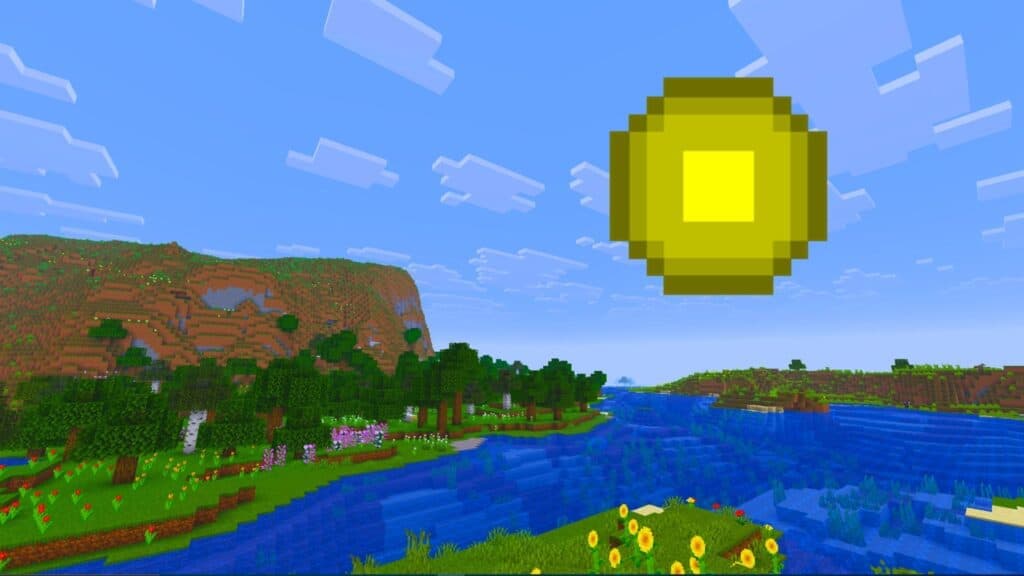
About This Mod
Clumps is a simple but highly effective quality-of-life mod that groups nearby experience orbs into a single entity. In vanilla Minecraft, large mob farms or mining sessions can spawn hundreds of individual XP orbs and cause unnecessary entity lag and visual clutter. With Clumps installed, those scattered orbs merge together automatically, making experience collection faster and much smoother on performance. You’ll notice the difference in late-game survival worlds or heavy XP farms where entity counts spike. Because it’s lightweight and focused, Clumps fits easily into most modded setups without changing core gameplay.
How to Install
Follow these steps to install Clumps on your Minecraft game:
- 1
Download the mod file from the link above. Most Minecraft mods come as .jar files.
- 2
Make sure you have the correct mod loader installed — either Forge or Fabric, depending on the mod requirements.
- 3
Open your Minecraft installation folder. On Windows, press Win+R and type %appdata%\.minecraft to find it.
- 4
Place the downloaded .jar file into the "mods" folder. If the folder doesn't exist, create it.
- 5
Launch Minecraft using the correct mod loader profile and verify the mod appears in the mod list.
Important: Always back up your save files before installing new mods. Make sure your mod loader version matches the Minecraft version required by this mod.
Compatibility
Platform
Minecraft: Java Edition
Requirements
- •Requires either Forge or Fabric mod loader (check the mod description for which one)
- •May require specific Minecraft version — verify before downloading
- •Some mods have dependencies on library mods like Architectury or Cloth Config
Pro tip: Always back up your world saves before installing new mods. Mod conflicts can occasionally cause world corruption.
Frequently Asked Questions
More from Creator
You Might Also Like
Get the best new Sims 4 mods weekly
New CC drops, curated finds, and free mod roundups — straight to your inbox.
Clumps
Created by
InventoXtar
0 ratings
downloads
favorites
views
Additional Information
Published
March 3, 2026
Source
MustHaveMods.com
Last Updated
August 9, 2026