Save this find
Create a free account and this mod is saved to your favorites.
About This Mod
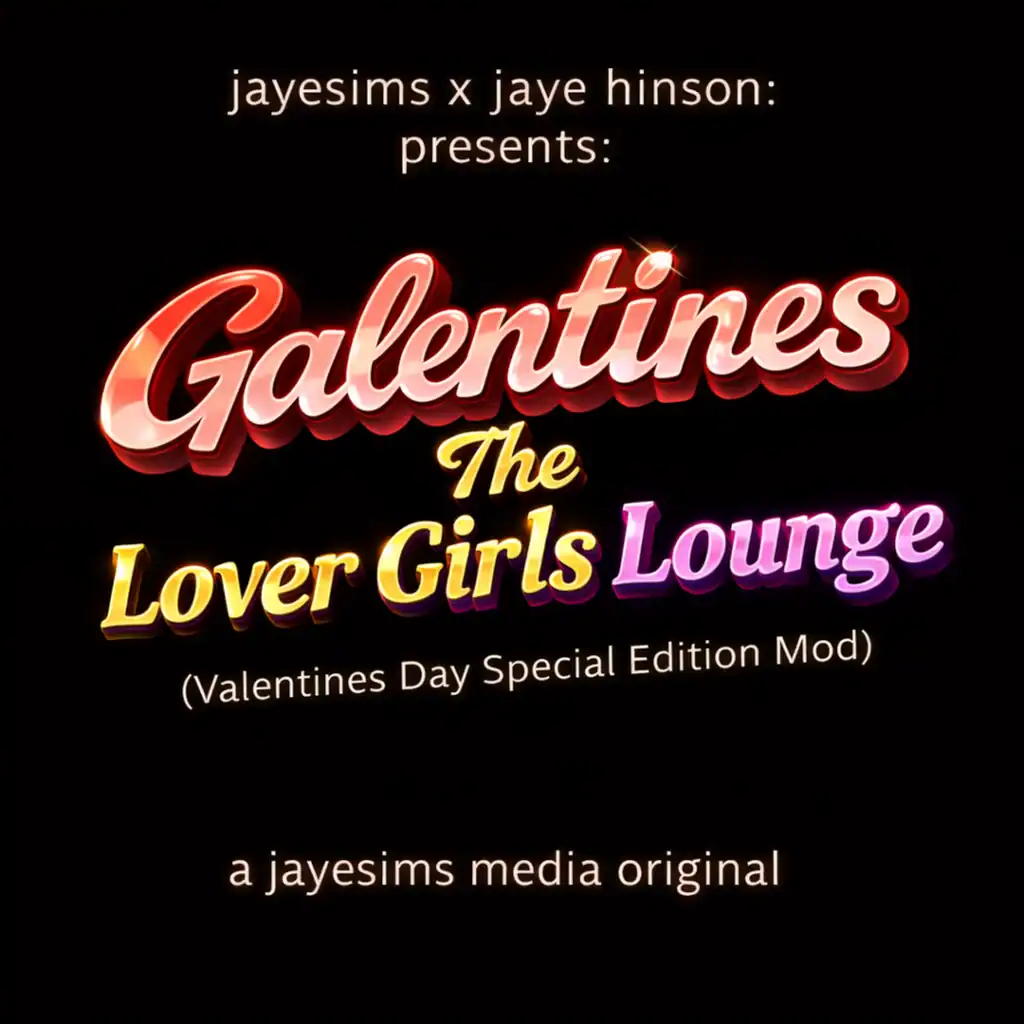
Released in February 2026, The Lover Girls Lounge Mod introduces a social, story-driven experience centered around friendship, self-care, and girls’ nights out. This mod only activates during winter, so you need Seasons EP. The mod creates a NEW pie menu called “Galentine’s Convo…” with 9 new social interactions, focusing heavily on storytelling. This gives your Sims new ways to connect through layered social interactions, mood buffs, and immersive scenarios that reflect real-life friendships and social energy. If you enjoy creating meaningful moments between Sims rather than just relying on generic interactions, you need this mod. Like many Jayesims x Jaye Hinson mods, it leans into personality-driven gameplay and adds depth, emotion, and realism to social situations while keeping everything fun and engaging.
How to Install
Follow these steps to install Galentines – The Lover Girls Lounge Mod on your Sims 4 game:
- 1
Download the mod file from the link above. Sims 4 mods typically come as .package or .ts4script files.
- 2
Open your Sims 4 Mods folder. The default location is: Documents/Electronic Arts/The Sims 4/Mods
- 3
Place the downloaded file directly into the Mods folder. You can organize mods into subfolders up to one level deep.
- 4
Launch The Sims 4 and go to Game Options > Other. Make sure "Enable Custom Content and Mods" is checked.
- 5
Restart the game if it was already running. The mod should now appear in your game.
Important: Always back up your save files before installing new mods. After Sims 4 updates, mods may need to be re-downloaded or updated by the creator.
Compatibility
Platform
The Sims 4 (PC/Mac)
Requirements
- •Custom Content and Mods must be enabled in Game Options > Other
- •Script mods (.ts4script files) require "Script Mods Allowed" to be enabled separately
- •After each Sims 4 game update, some mods may need to be updated by the creator
Pro tip: If a mod stops working after a game update, check the creator's page for an updated version. Broken mods can cause the game to behave unexpectedly.
Frequently Asked Questions
More from JayESims

You Might Also Like
Galentines – The Lover Girls Lounge Mod
Created by
JayESims
0 ratings
downloads
favorites
views
Additional Information
Published
April 17, 2026
Source
MustHaveMods.com
Last Updated
October 22, 2026