Also in:Build CCKitchen CC
Save this find
Create a free account and this mod is saved to your favorites.
About This Mod
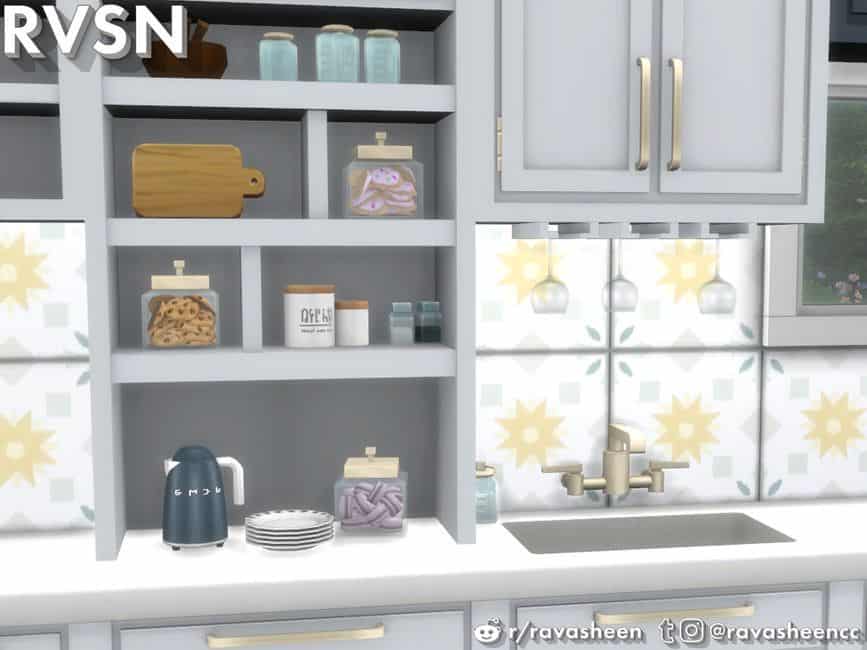
Simmer Down Plates
The stacked plates are perfect to display in the open shelving of the Simmer Down counter series. The cute, edge detailing adds a chic touch to the plates.
Simmer Down Flour Jars
These ceramic jars are paired with cute wooden tops and are the perfect clutter for the open shelving of the Simmer Down counter series.
Simmer Down Cookie Jar
Don't trip chocolate chip! This cute jar will hold all that cookie goodness and look good doin' it.
Simmer Down Macaroon Jar
Is there a cuter cookie than a macaroon? I don't think so. This cute jar will hold all that french cookie goodness and look good doin' it.
Simmer Down Mason Jar
Clutter up the open shelving of the Simmer Down counter series with something Joanna Gaines would approve of - a mason jar.
Simmer Down Runner
Coordinating perfectly with the Simmer Down Wall Tiles and Bar Stools, this chic rug might make your simmies actually want to wash dishes in the kitchen instead of the bathroom.
Simmer Down Mason Jar Soap
Store your soap in something Joanna Gaines would approve of - a mason jar.
SMEGlish Tall Tea Kettle - Deco Only
This short, electric kettle combines iconic midcentury style with modern features. This is the deco only version of the tea kettle. Find the functional SMEGlish kettle under the appliances category.
SMEGlish Short Tea Kettle - Deco Only
This short, electric kettle combines iconic midcentury style with modern features. This is the deco only version of the tea kettle. Find the functional SMEGlish kettle under the appliances category.
Tags
How to Install
Follow these steps to install Sims 4 Kitchen Clutter Set on your Sims 4 game:
- 1
Download the mod file from the link above. Sims 4 mods typically come as .package or .ts4script files.
- 2
Open your Sims 4 Mods folder. The default location is: Documents/Electronic Arts/The Sims 4/Mods
- 3
Place the downloaded file directly into the Mods folder. You can organize mods into subfolders up to one level deep.
- 4
Launch The Sims 4 and go to Game Options > Other. Make sure "Enable Custom Content and Mods" is checked.
- 5
Restart the game if it was already running. The mod should now appear in your game.
Important: Always back up your save files before installing new mods. After Sims 4 updates, mods may need to be re-downloaded or updated by the creator.
Compatibility
Platform
The Sims 4 (PC/Mac)
Requirements
- •Custom Content and Mods must be enabled in Game Options > Other
- •Script mods (.ts4script files) require "Script Mods Allowed" to be enabled separately
- •After each Sims 4 game update, some mods may need to be updated by the creator
Pro tip: If a mod stops working after a game update, check the creator's page for an updated version. Broken mods can cause the game to behave unexpectedly.
Frequently Asked Questions
More from Ravasheen
Functional Washers and Dryers
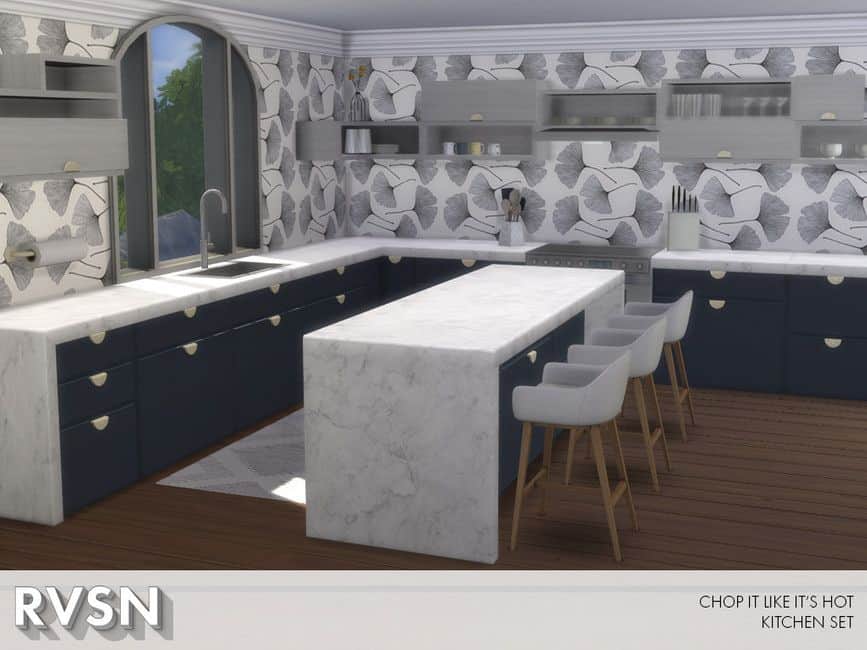
Sleek Sims 4 Kitchen
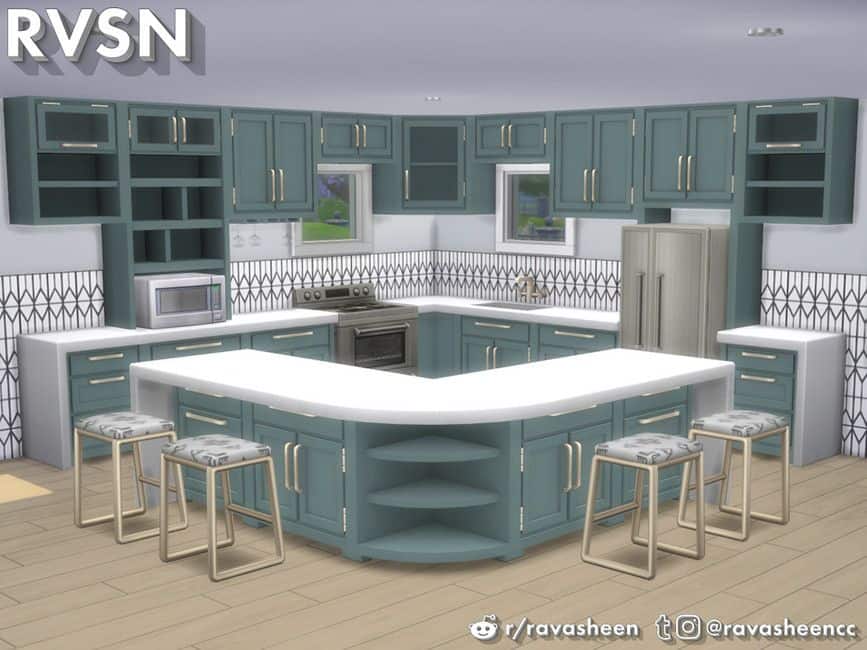
Sims 4 Kitchen CC Set
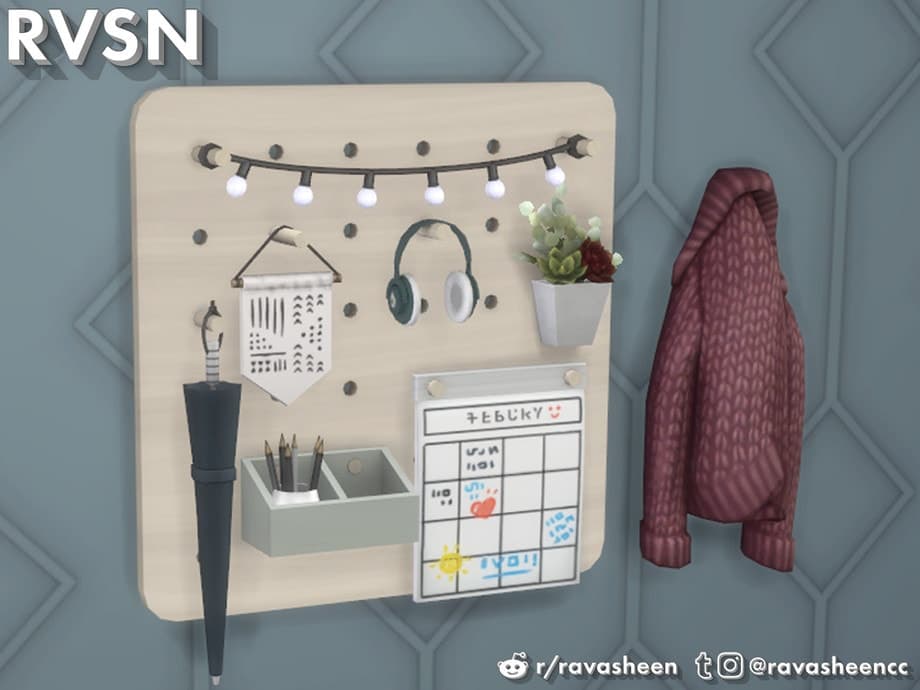
Peg To Differ Entry Way Set

Bus Upon a Time – Travel Mod
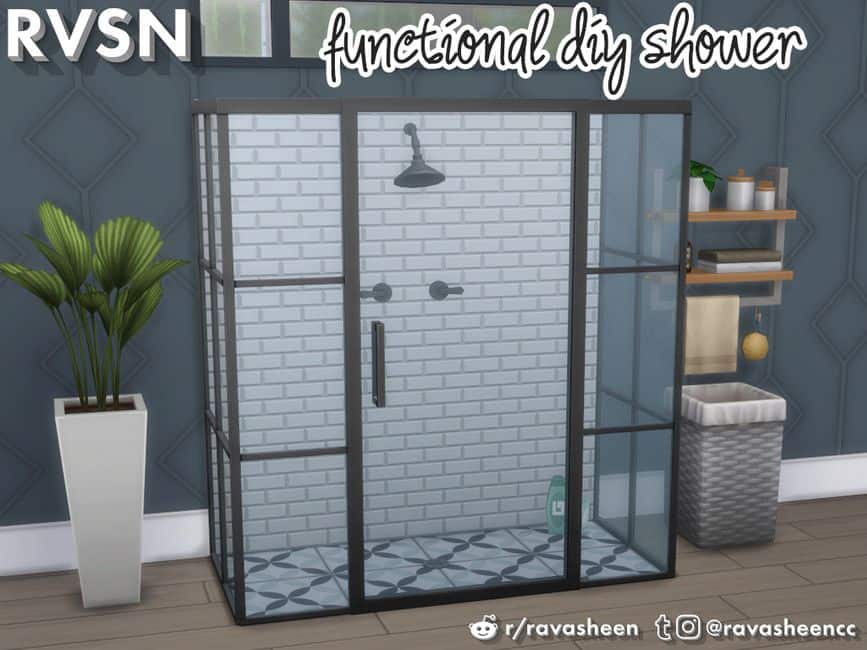
Sims 4 Bathroom Furniture Mod
You Might Also Like
Sims 4 Kitchen Clutter Set
Created by
0 ratings
downloads
favorites
views
Additional Information
Published
January 28, 2026
Source
TheSimsResource
Last Updated
October 29, 2026