Save this find
Create a free account and this mod is saved to your favorites.
About This Mod
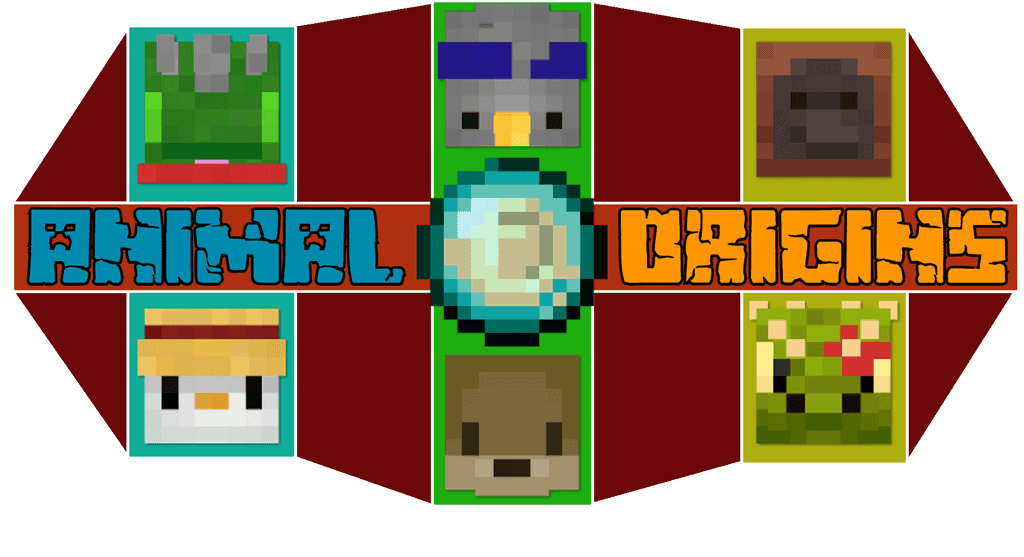
Animal Origins – Infinite Origins lets you experience Minecraft from the perspective of different animals, each with unique abilities, strengths, and weaknesses. It adds six animal-based origins to choose from, including Penguin, Reptilian, Monkey, Kangaroo, Chameleon, and Roadrunner. Note that this add-on requires the Origins and Pehkui mods. Fabric installations also require Fabric API.
How to Install
Follow these steps to install Animal Origins – Infinite Origins on your Minecraft game:
- 1
Download the mod file from the link above. Most Minecraft mods come as .jar files.
- 2
Make sure you have the correct mod loader installed — either Forge or Fabric, depending on the mod requirements.
- 3
Open your Minecraft installation folder. On Windows, press Win+R and type %appdata%\.minecraft to find it.
- 4
Place the downloaded .jar file into the "mods" folder. If the folder doesn't exist, create it.
- 5
Launch Minecraft using the correct mod loader profile and verify the mod appears in the mod list.
Important: Always back up your save files before installing new mods. Make sure your mod loader version matches the Minecraft version required by this mod.
Compatibility
Platform
Minecraft: Java Edition
Requirements
- •Requires either Forge or Fabric mod loader (check the mod description for which one)
- •May require specific Minecraft version — verify before downloading
- •Some mods have dependencies on library mods like Architectury or Cloth Config
Pro tip: Always back up your world saves before installing new mods. Mod conflicts can occasionally cause world corruption.
Frequently Asked Questions
More from Modrinth

You Might Also Like
Animal Origins – Infinite Origins
Created by
0 ratings
downloads
favorites
views
Additional Information
Published
November 13, 2026
Source
MustHaveMods.com
Last Updated
November 14, 2026