Creator

TiniSims

10 Sims 4 mods · 663 downloads on MustHaveMods

Find TiniSims on Patreon

Are you TiniSims? Claim this page →

Know TiniSims?

Are you TiniSims? Get your “Featured on MustHaveMods” badge →

Showing 10 of 10 mods by TiniSims, most downloaded first
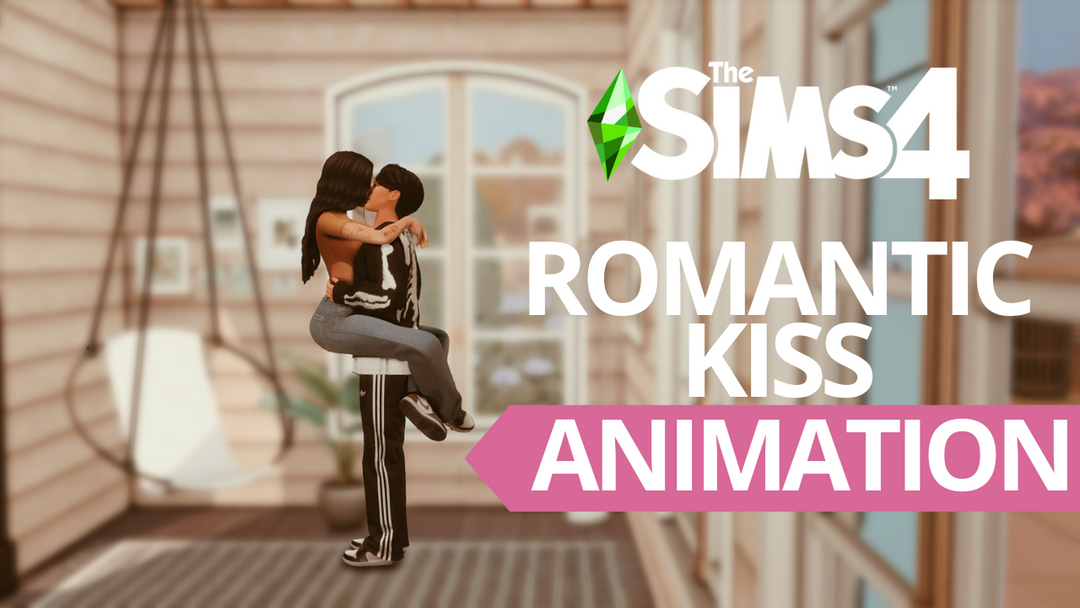
Romantic Kiss Animation
Poses
Free

If you want to add a little magic and romance to your Sim’s love story, get this Romantic Kiss Animation pack. It’s one of my favourite Sims 4 animations for elevating romantic moments. This custom animation captures a soft, heartfelt kiss that looks far more natural and cinematic than the vanilla in-game options. It’s great for storytellers, screenshot enthusiasts, or anyone who wants more expressive romance in their gameplay. To use it, you’ll need to download the Pose Player and Sim Teleporter in your mods folder. I highly recommend reading our piece on How to Use Poses – it has detailed instructions on how to use these mods.

Romantic
3.1382
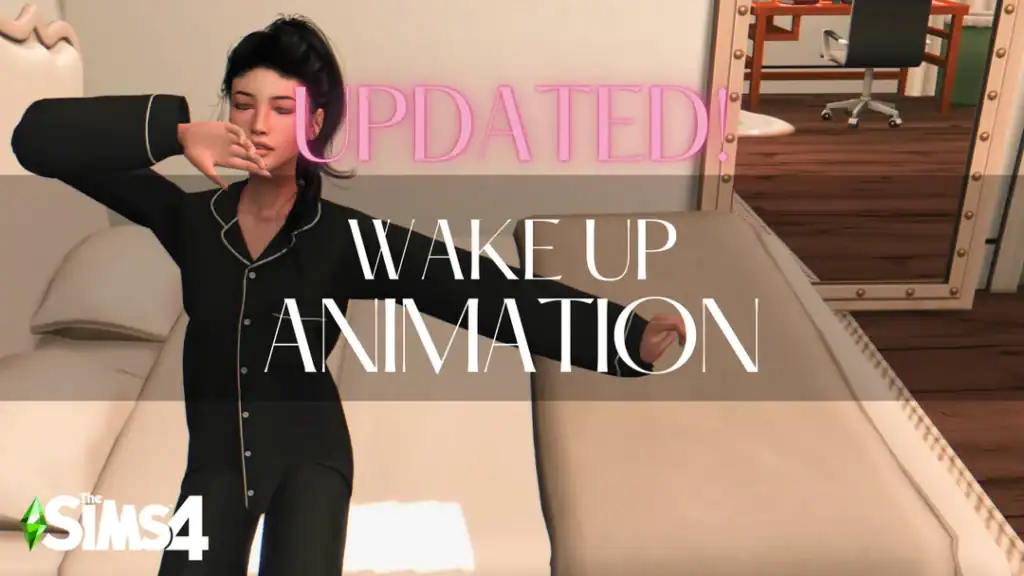
Wake Up Animation
Gameplay Mod
Free

Wake Up is a subtle animation mod that adds a more natural transition between sleeping and starting the day. Instead of instantly standing up, Sims remain seated on the bed, stretching and yawning before getting up. This small pause makes mornings feel slower and more realistic, especially when used alongside structured morning routine mods. Use this Sims 4 morning routine mod to set the tone for a calm, believable morning before hygiene, dressing, or breakfast interactions begin.

3.2218
Getting Ready Animation Pack
Full Body
Free

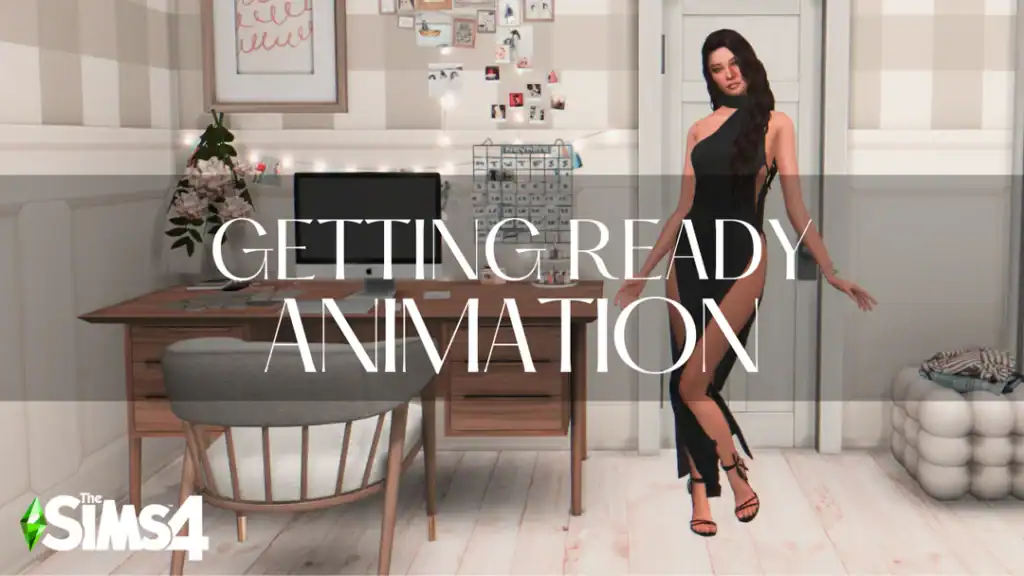
Getting Ready is a small animation of a Sim checking themselves out in the mirror before heading out for the day. This Sims 4 morning routine mod makes morning prep feel more structured and meaningful. It adds a realistic “final check” moment to your Sim’s morning routine. Sims check their outfit, fix their hair, and look down at their shoes, creating a more natural transition before heading out for the day. It’s a subtle addition, but one that makes mornings feel more intentional and visually complete.

3.017
Driving Animation Pack
Poses
Free

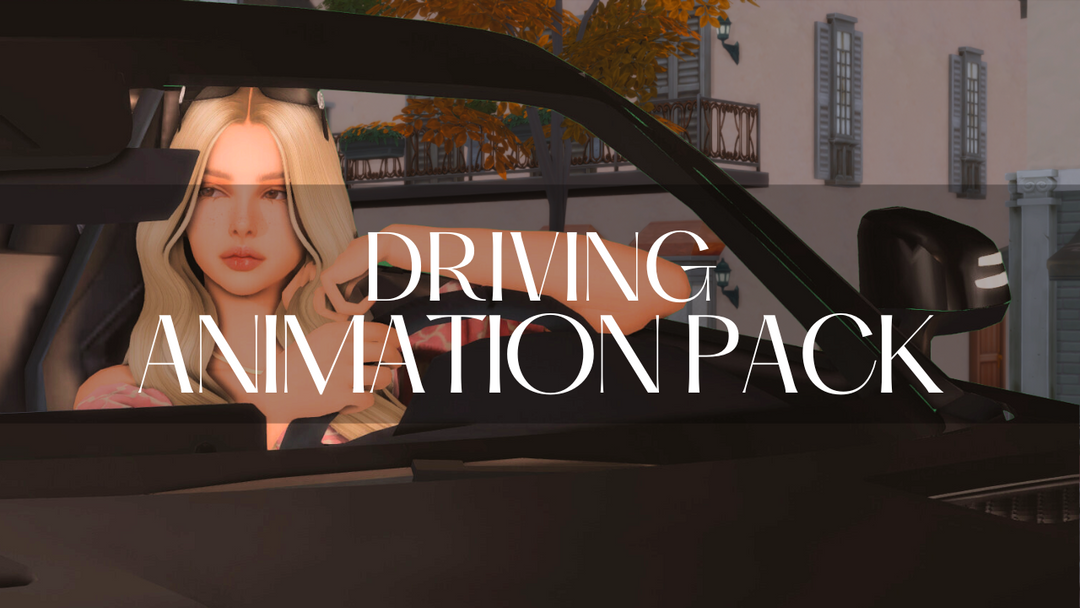
Sims can’t drive by default in the Sims 4 base game. They simply teleport to their final destination, which removes realism from the game. Luckily, the Driving Animation Pack adds a delightful dose of realism to your Sim’s travel moments by giving them the ability to climb behind the wheel with lifelike motion. This custom animation makes your Sim physically approach and enter vehicles to bring that cinematic ‘first ride’ sequence right into your neighborhood scenes. You can use any car with this animation, but you first have to download it, as it isn’t included in the package. To see your Sim in action behind the wheel, add this cc to your Sims 4 animations folder.

11
Mochaccino GShade Preset
Ui Preset
Free

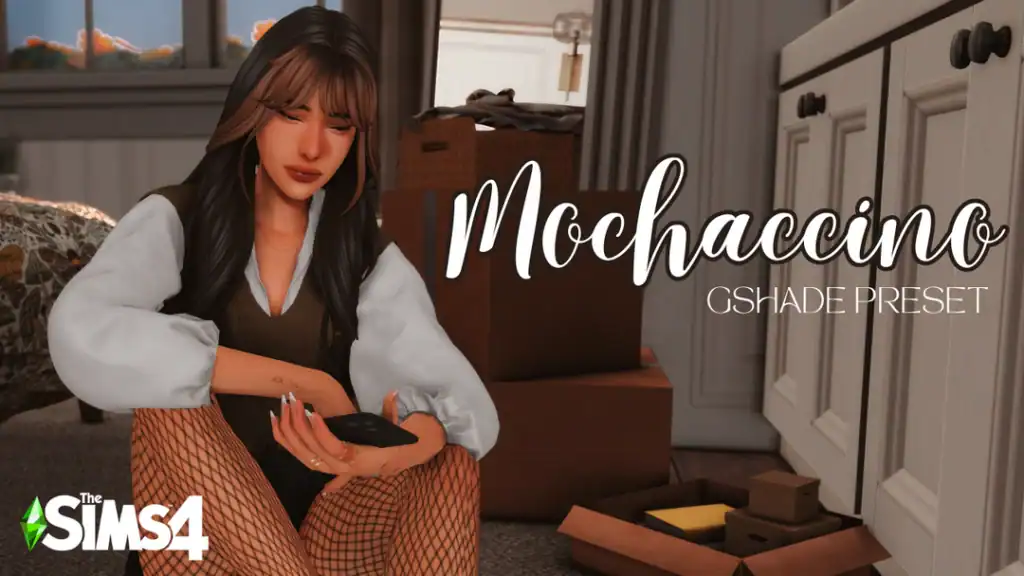
Designed by TiniSims, the Mochaccino preset gives your Sims 4 visuals a rich, cozy warmth inspired by soft browns and golden undertones. It brings out warmth in wood tones, skin shades, and neutral palettes while keeping everything natural and inviting. If you want to capture a realistic and comforting lighting, use this preset. It softens shadows without losing contrast, making your scenes look balanced, cinematic, and effortlessly homey.

AlphaCozy
11
CAS Pose
Poses
Free

CAS Pose

by Tinisims

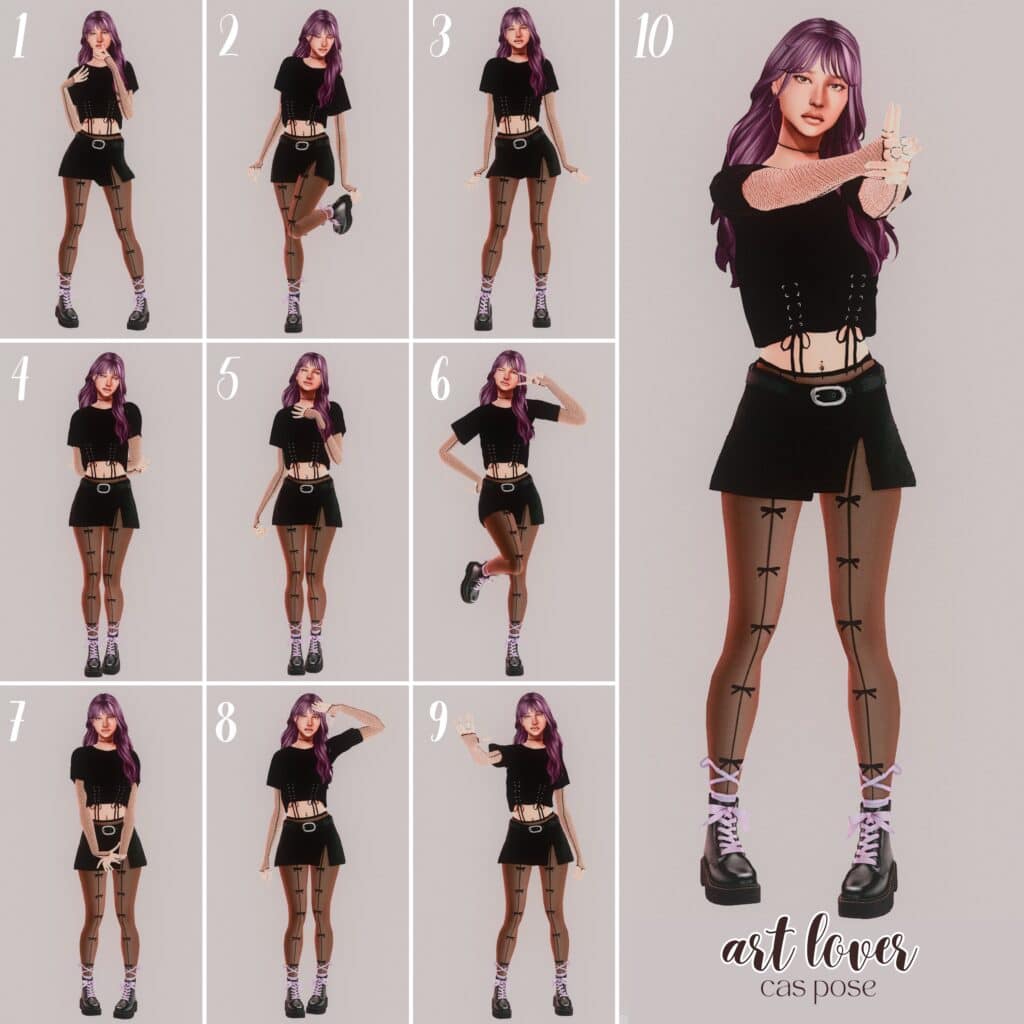
CAS Pose is a collection of nine stylish CAS shots inspired by cute and playful photo poses. You’ll get a nice mix of standing poses, hand gestures, relaxed stances, and expressive movements, adding more personality to your screenshots. I’d use this set for trendy, feminine, and K-pop-inspired aesthetics. Note that these Sims 4 CAS poses replace the Art Lover trait in Create-a-Sim. The pack is compatible with the base game, meaning you won’t require additional EPs to use. RELATED POST: 25+ Must-Have Sims 4 Solo Poses: Model, Female, and Male Poses

Gallery Pose
10
Sweet Candy GShade Preset
Ui Preset
Free

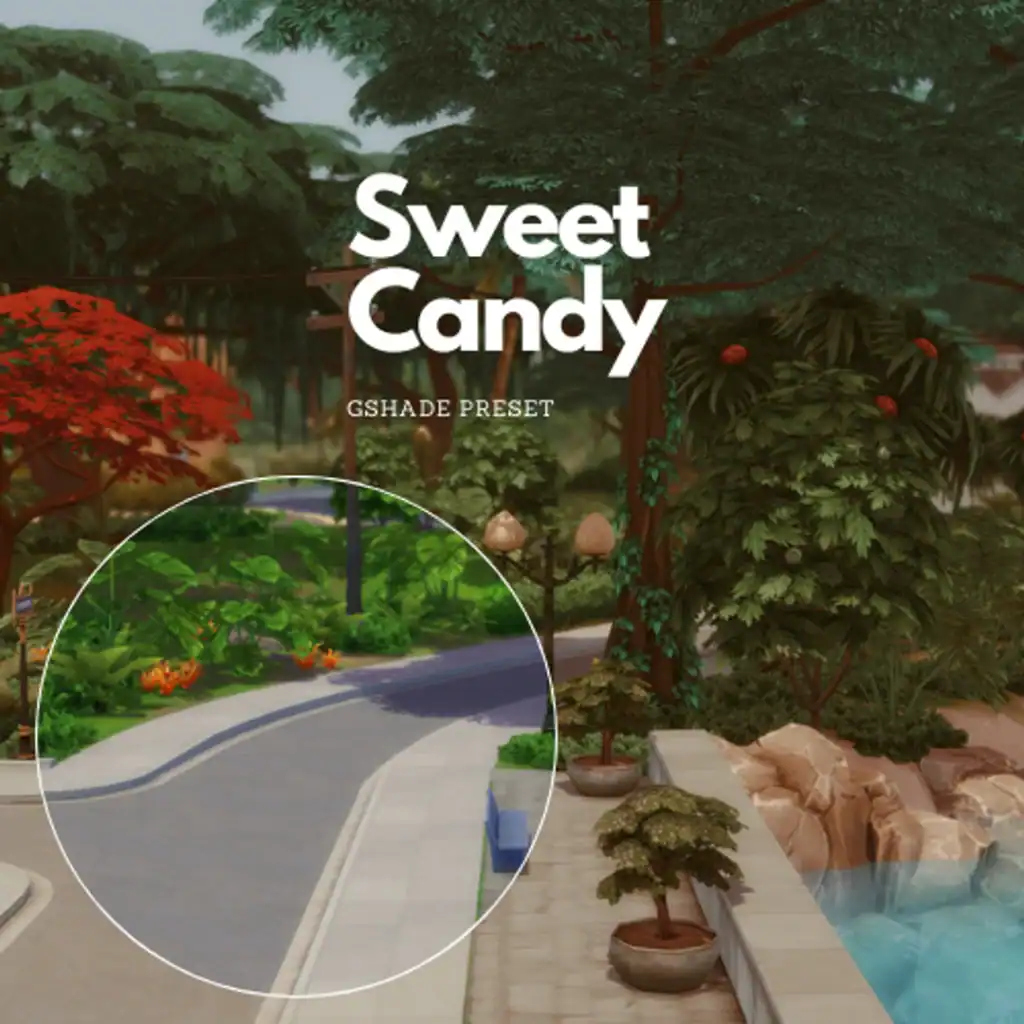
Sweet Candy brings out the lush, colorful side of The Sims 4 with vibrant tones and crisp lighting. This preset enhances greens, deepens shadows, and adds a touch of contrast to create a candy-like brightness. If you want a clean, polished look with soft highlights and playful color depth, get this preset. It uses G-Shade version 4.2.2, but I am not sure if it works with ReShade as well. To get the same result in the picture above, download the following:

Minimalist
10
Korean Skincare – Centella Set
Furniture
Free

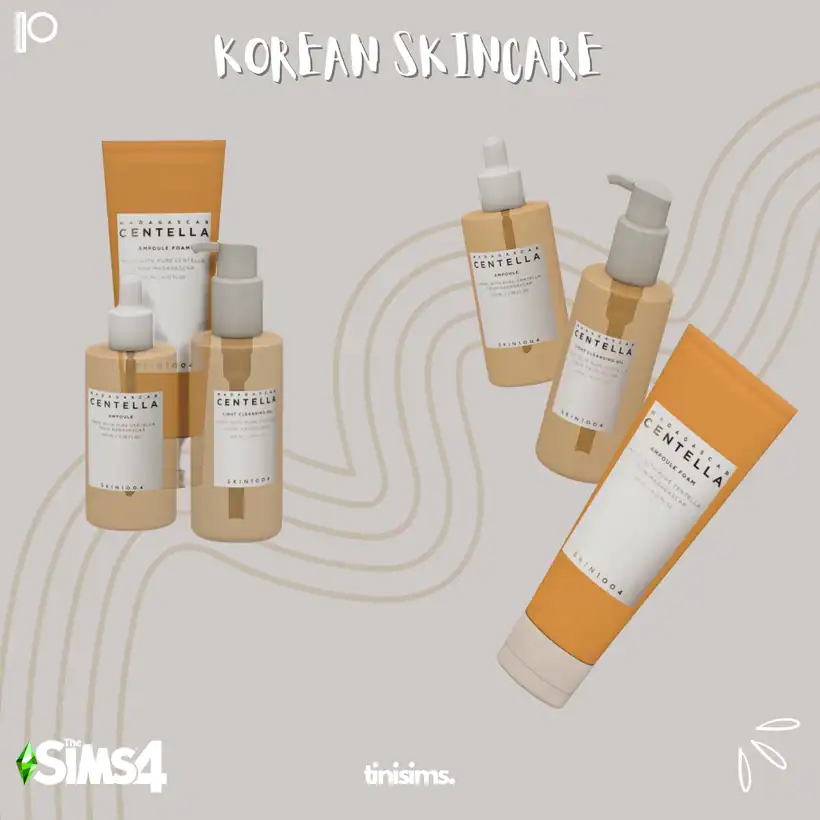
The Korean Skincare – Centella Set is a clean, minimal skincare collection inspired by Korean beauty packaging. It includes a mix of bottles, pump containers, droppers, and squeeze tubes, all designed in soft beige and golden-yellow tones for a calm, polished look. You can use this Sims 4 skincare cc set to decorate bathroom counters, vanity tables, open shelves, or beauty corners without making the space look cluttered. The matching packaging keeps everything cohesive, so it works especially well if you want a neat, modern skincare setup in your game. RELATED POST: 29+ Best Sims 4 Korean CC For Stylish K-Drama Looks And Traditional Clutter

2
Yawning Stretch Animation
Gameplay Mod
Free

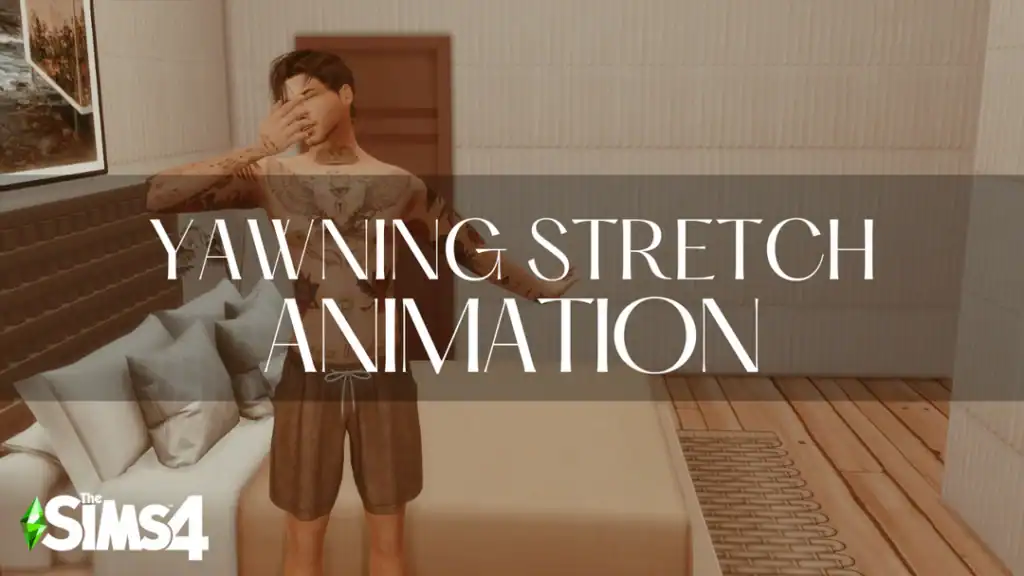
Yawning Stretch Animation is a simple but highly realistic idle animation where your Sim yawns and stretches. It’s the perfect pre-bed moment to add to your Sims 4 night routine mods folder. Although it’s a small detail, it makes a big difference in making your Sims feel more lifelike as they wind down for the night. This animation works especially well for storytelling or casual gameplay by adding those natural in-between moments that the base game often skips. Use it to show signs of tiredness first and break the robotic feel of Sims going straight to sleep. What it adds:

2
Cozy Space 2 (Loading Screen & Soft Green Recolor)
Loading Screen
Free

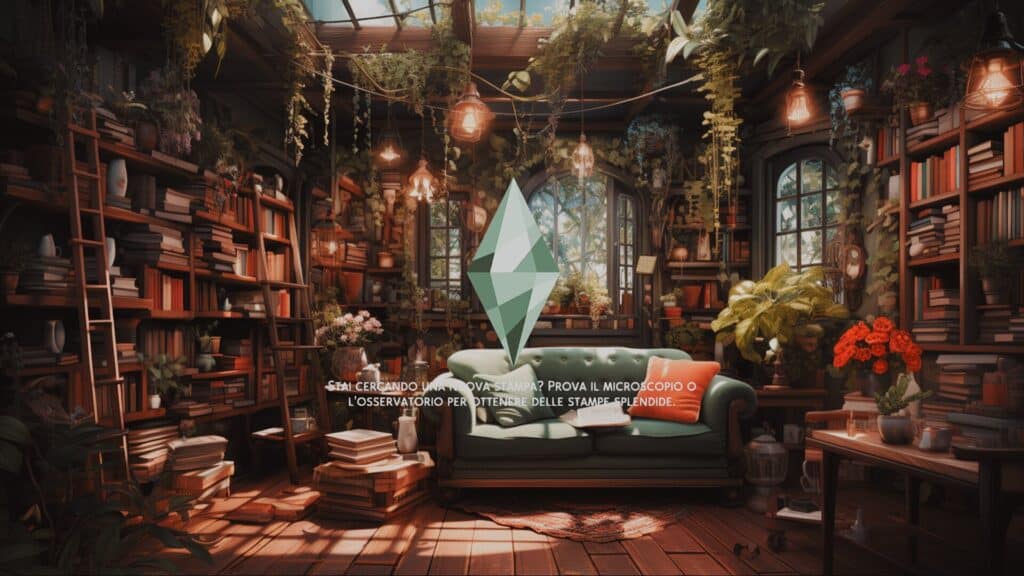
Cozy Space 2 is a warm, plant-filled loading screen with towering bookshelves, hanging greenery, glowing lights, and a soft green sofa. The sunlight streaming through the windows creates a peaceful reading-room atmosphere. Note that you’ll also get a soft green recolor to match the calming interior. To install it, download the package file and place it directly in your Mods folder. Remember to keep only one custom loading screen in your Mods folder at a time.

0

New finds by email

New mods from creators like TiniSims, every two weeks

The best new Sims 4 CC drops delivered to your inbox — no spam, unsubscribe anytime.